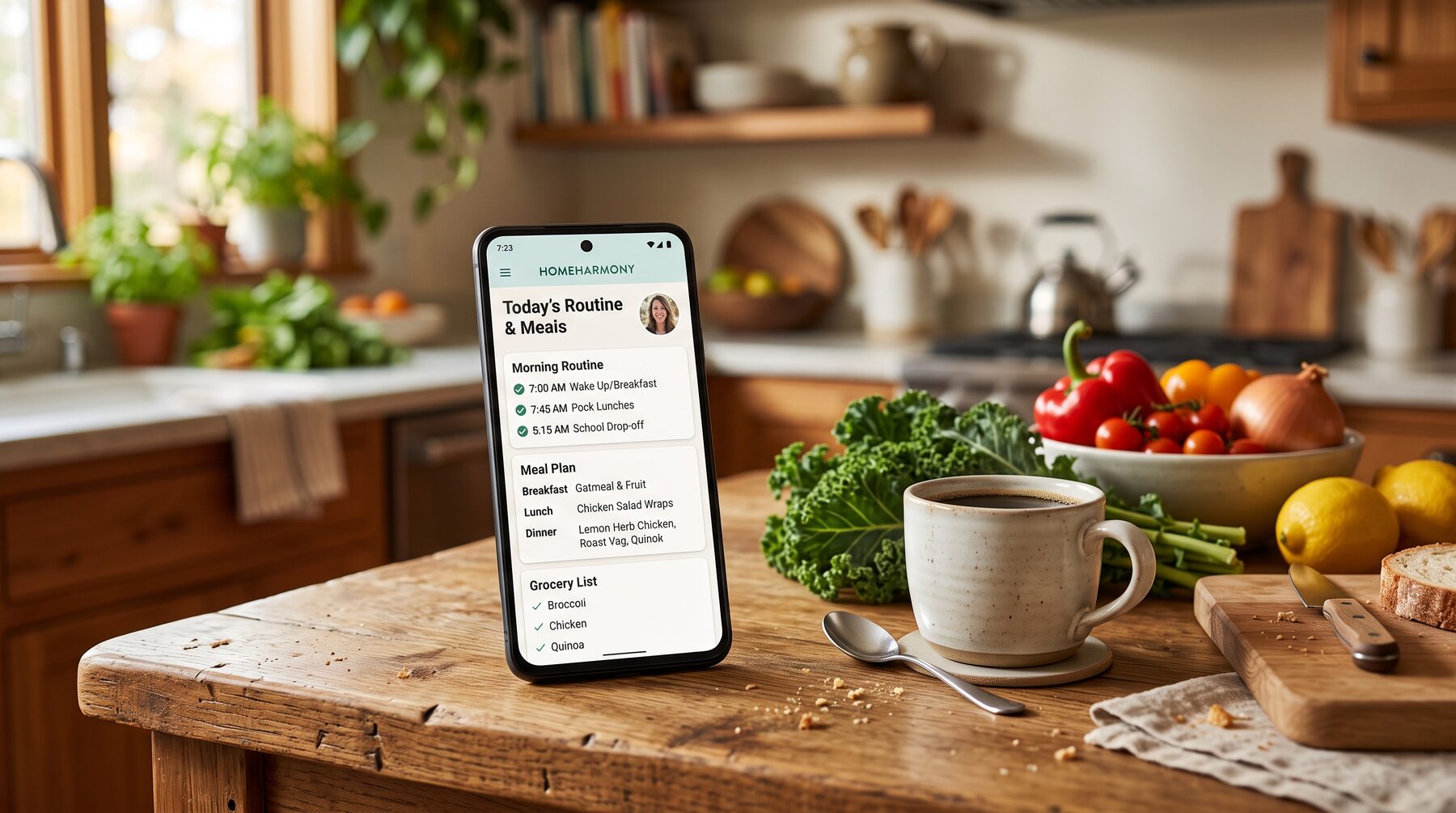
Anchor & Bloom · the family hub
Support for real life—held in one calm place.
Meals, grocery lists, routines, the calendar, and the money chores nobody volunteers for. Each one lives in its own quiet lane, so you can decide what earns your attention tonight instead of carrying all of it at once.
Already have an account? The door into the app is at the bottom of this page—no login screen until you ask for one.
Jump to a section
Today
One lane at a time, never all of it at once
These are the lanes inside Anchor & Bloom. Nothing here demands a perfect system—each one is built to take a single thought out of your head and put it somewhere the whole household can see.
-
Meals
When “what’s for dinner?” steals your evening — steady ideas without a manic meal plan.
-
Grocery list
Quietly turns food thoughts into something you can actually shop from.
-
Time Garden
For days that feel noisy — one soft timer instead of hustle noise.
-
Calendar
So dates stop living in your head rent-free — grounded, not glamour-shot planning.
-
Finances
When bills need adulting energy — clarity without spreadsheets that shame you.
The brain dump
You type what is in your head. It sorts out the rest.
This is the part people come back for. It is not a notes app—you write the sentence the way it actually arrived, and the app reads it and turns it into the task, the reminder, the calendar entry, or the meal it was really about.
What you type
“I need something easy for dinner, gym clothes Thursday, and I keep forgetting to call the dentist.”
Three unrelated things, one sentence, at the exact moment your hands are full.
What comes back is an easy dinner you can actually put on the week, a Wednesday-night reminder to pack the gym clothes, and the dentist call saved as tomorrow’s priority. Three things handled, and none of them are living in your head any more.
It also knows these
- “I feel overwhelmed.” Opens gentle support and shows three things only.
- “I need to clean before Saturday.” Becomes a checklist, broken into steps.
- “I want to eat better.” Gentle swaps and a starter plan. No lecture.
- A name and a date. Lands on the shared calendar where the household can see it.
- A medication. Becomes a daily reminder for whoever needs it.
Hard moments
For the days that go sideways, and the nights that will not close
Most apps assume you are having a good week. These two parts assume you are not.
-
Morning
You wake up already behind.
Before coffee: one affirmation that fits your actual life, your three things, your water, and a small nudge to step outside. Two minutes to feel oriented instead of buried.
-
Overwhelm mode
Everything at once, and no clear next step.
Tap it and the app hides the rest. Three priorities, a breath, and one sentence: start with one thing. Nothing else exists right now.
-
Bedtime landing
You lie awake running the list you did not finish.
Close the day on purpose: tomorrow’s top three set, dinner decided, the household told what the morning looks like, and one thing to look forward to.
-
Holiday menus
The holiday arrives and the planning lands on one person.
Thanksgiving, Christmas, Easter, the Fourth, a Southern fish fry, a low country boil, brisket and ribs—menus already built, plus a place to keep the traditions that are only yours.
Family sync
He finally sees his tasks. You finally exhale.
The point of all of this is that you stop being the reminder. The invisible work becomes a shared system—not because you had to ask, but because it is already on everyone’s screen.
-
Shared calendar
“You never told me.”
School events, sports, appointments, and date nights in one place, visible to everyone who needs them.
-
Tasks for everyone
Nobody helps unless you ask, and you are tired of asking.
Chores and errands assigned to the right person, showing up on their own screen instead of in your voice.
-
Check-ins & kindness
The logistics get handled and the people get missed.
Gentle daily nudges to ask a kid how the day really went, or to tell your partner one specific thing you noticed.
-
Medication reminders
“Did they take it?”
A quiet daily reminder for every person in the house who needs one. No nagging, no wondering.
-
Shared grocery list
The milk gets forgotten because it was only in your head.
Anyone can add to it, it builds itself from the meal plan, and it hands off to the store you already use.
-
Your whole crew
Some of your people are not on this app at all.
A club, a team, a hunting camp—those get their own small app instead of being crammed into this one.
See custom apps
Wellbeing
Tend what fills the week — without the overwhelm
Life
Life · support for errands & rhythm
Food, money chores, errands, dates
Each lane lives alone so you decide what earns attention tonight. Nothing nags, nothing scores you, and nothing assumes your week looked like last week.
The same rhythm shows up on paper too—planners, printables, and reset pages live over on Family Systems.
People
Built for a household, not a single organizer
Anchor & Bloom started in the Metternich family kitchen, for a household that needed one shared view instead of one person remembering everything. Everyone sees the same calm plan; the mental load stops being a solo job.
In real light
See a few moments before you decide
The original walkthrough promised the morning dashboard, dinner planned, the spin wheel, overwhelm mode, family sync, and the bedtime shutdown. Here are two unedited screen recordings from that same phone: the part that decides dinner, and the part that puts Anchor & Bloom on a home screen like any other app.
-
The dinner spinner
Assign a recipe to each night, spin a random one for the night nobody can decide on, then build the grocery list from the week in one tap. The list groups itself by aisle and hands off to whichever store you actually use.
-
Put it on your home screen
There is nothing to download from a store. Open it in your browser, choose “Add to Home Screen,” and it behaves like an app on a phone, an iPad, a tablet, or a laptop.
Easing in
Three steps. No perfection required.
Create your household
One shared view so everyone sees the same calm plan.
Add what you actually use
Routines, meals, reminders—only what fits your real week.
Let the app hold the details
Connection and clarity without you holding every thread alone.
A note
Anchor & Bloom is not trying to optimise your family. It is trying to give you back the part of your brain that has been quietly running logistics since breakfast.
Use one lane. Ignore the rest. Come back when the week changes shape.
Anchor & Bloom Resources
The tools and resources that help a family anchor and bloom
The app holds the week. These are the things you print, read, teach from, or type into alongside it. The full library already lives on the Resources page—nothing is duplicated here.
-
Print & plan
You want the week on paper, not only on a screen.
Printable activity packs and interactive planners you can fill in at the counter, then mirror into the app’s lanes.
Browse planners -
Print today
You need something usable in the next ten minutes.
Activity packs on feelings, friendship, and kindness—print one page and you have a plan for the afternoon.
Download a starter pack -
Home rhythm
The routine works for a week, then quietly collapses.
Planners, homesteading systems, batch meal prep, and daily reset pages—grouped by the friction they remove.
Explore Family Systems -
Classrooms
You are leading a room, not just a household.
SEL curriculum guides, classroom kits, and daycare-ready supports sit on the educator hub.
Open the teacher hub
The whole library
Everything you can print, teach from, or type into
Curriculum guides, classroom kits, book-and-lesson bundles, printable packs, and interactive planners—one page, all of it.
Ready when you are
Open Anchor & Bloom
This is the door into the app itself. New here? Everything above is yours to read first—nothing on this page asks you to sign in.
Purchases made on this domain live in the member portal. Questions first? Send a note.