Custom Apps
Small software, built for one group of people
Anchor & Bloom began as an app for one household that needed the week to stop living in one person’s head. The same approach works for a club, a classroom, a crew, or a family business: name the friction, build only what removes it, and leave the rest out.
These are project write-ups, not a price list. If something here sounds like your situation, start a conversation first.
Project one
Little Kiokee Hunting Club
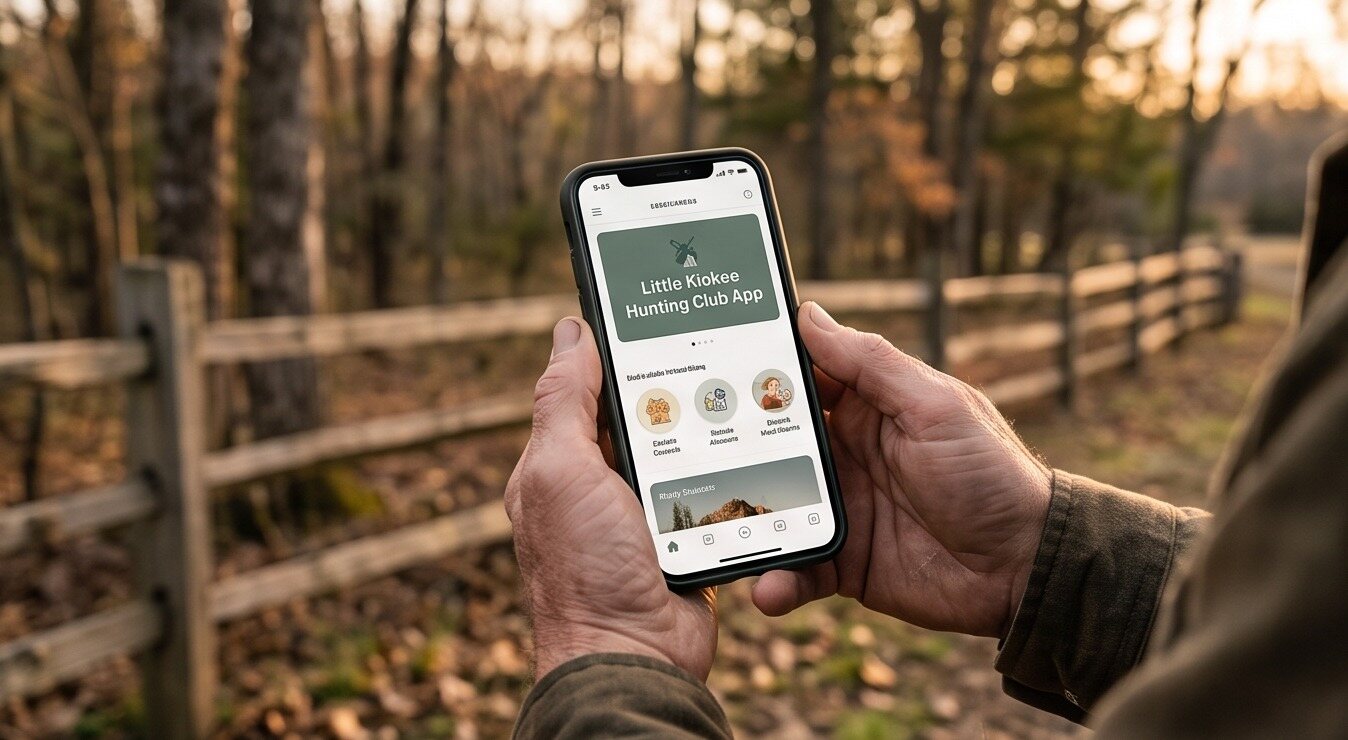
Built for a club
One app instead of four group texts
Club news lived in a group text, a paper sign-up sheet, and whoever happened to be at the gate.
The Little Kiokee Hunting Club app puts the shared things members actually check—announcements, sign-ups, and club information—on one screen they can open standing at the fence line, with a signal or without a lot of it.
Same design language as everything else here: quiet type, warm surfaces, nothing that shouts at you. It is also the clearest proof that this is a family operation, not a one-woman project—the hunting side of this house needed something, so it got built.
Access is arranged with the club directly
A family operation
Everybody here has a piece of it
Anchor & Bloom came out of the kitchen. The hunting club app came out of the woods. One of the kids runs the range days, one runs the camera, and my husband is the reason the club app exists at all. Yours might be the same—whatever your household already does together is usually the thing worth building for.
-

The reason the club app has a sign-in screen at all. -
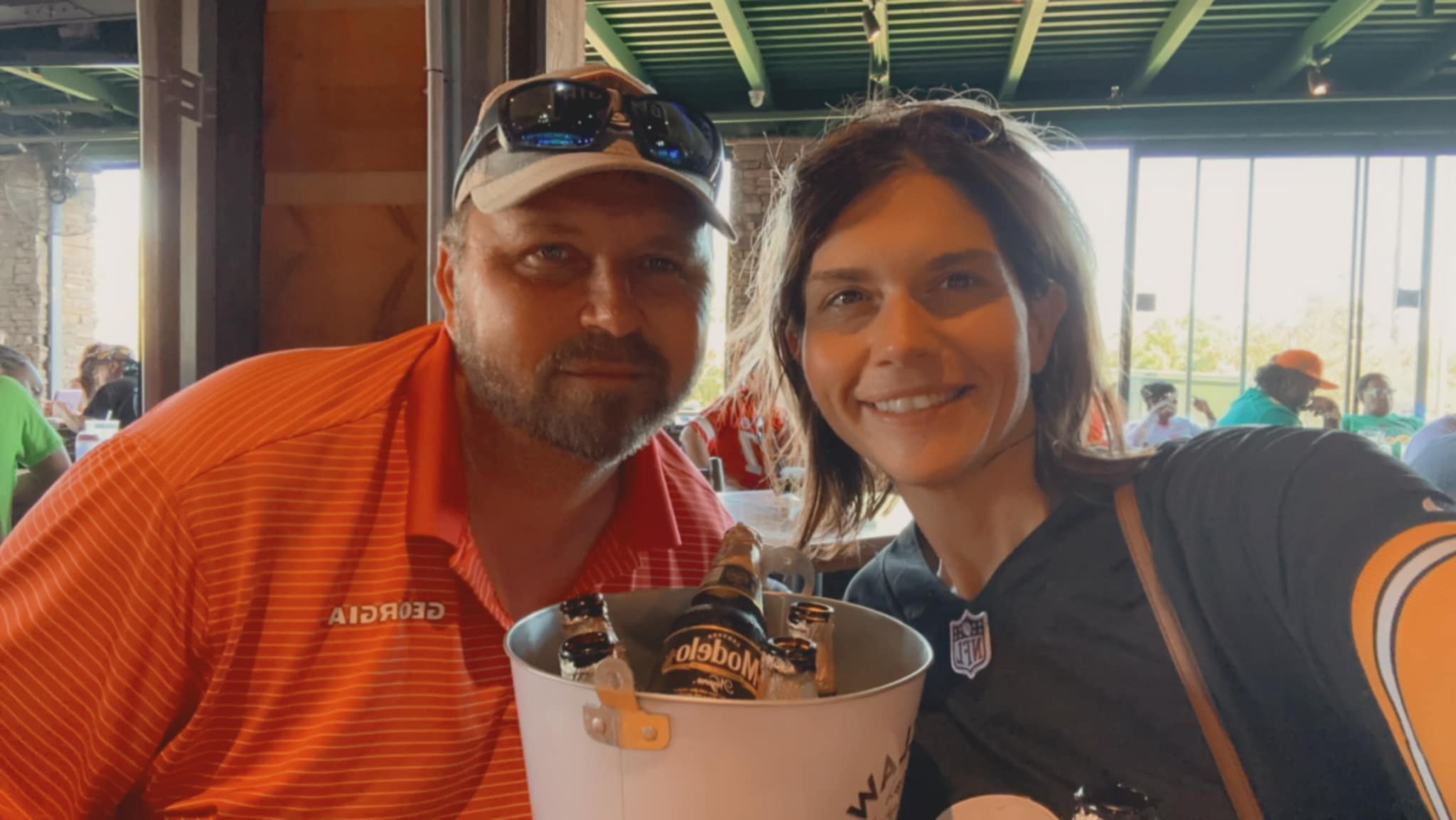
Lake days end up in the meal planner by Monday.
Where the approach came from
Anchor & Bloom is the long-running example
The family hub is the project that has been lived in the longest—meals, grocery lists, a calendar, a soft timer, and the money chores nobody volunteers for. It is the clearest picture of how these apps are put together.
-
How it works
One lane at a time, never all of it at once.
Every feature answers a single friction point, and nothing scolds you for skipping it.
Try the App -
What it looks like
You would rather watch than read.
Short clips of the real screens—holiday letters, cards, collages, and invites.
Watch short clips -
Your project
Your group has the same kind of scattered.
Describe the friction and who has to live with it. That is the whole starting brief.
Start a conversation
How a project runs
Name it, build the smallest useful version, then live in it
Name the friction
One conversation about what is genuinely annoying, and who it lands on every week.
Build the smallest useful version
The screens people will actually open—no dashboard nobody asked for.
Live in it, then adjust
Real use decides what gets added next. Most things never need to be.
Have a group that needs one calm screen?
Tell us what is scattered right now. No pricing on this page—just a starting conversation.